Connect by USB
Open iPanic Extractor and connect one iPhone to the computer.
iPanic Extractor for Windows
iPanic Extractor is a focused desktop companion for iPanic Analyzer. It finds the latest panic-full available through the USB connection and leaves the diagnostic decision to the online analyzer.
Extractor removes the manual search through Analytics Data and preserves the original file so the technician stays in control.
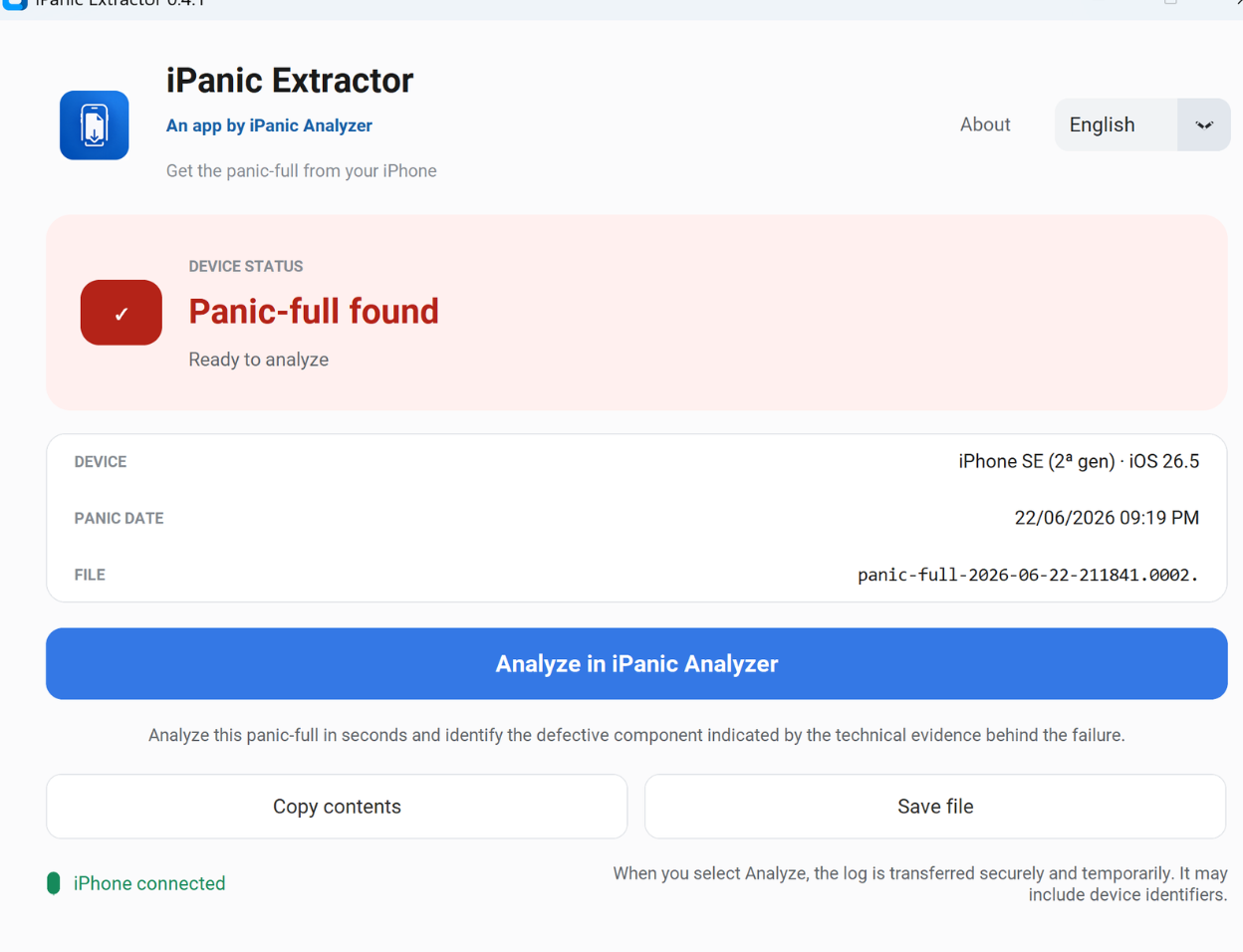
Open iPanic Extractor and connect one iPhone to the computer.
Unlock the iPhone and select Trust when the device asks for authorization.
The app finds the latest panic-full; copy it, save it or send it to the analyzer.
PRODUCT DEMONSTRATION
The video shows test version 0.4.0. Version 0.4.1 available in Microsoft Store keeps the same workflow.
The panic-full stays local until the user selects Analyze. That explicit action sends it over HTTPS through a temporary, single-use transfer; it does not start an analysis or consume a credit. A panic-full can contain device identifiers.
Version 0.4.1 is available free from the official Microsoft Store listing. Microsoft Store provides the trusted installation and future application updates.